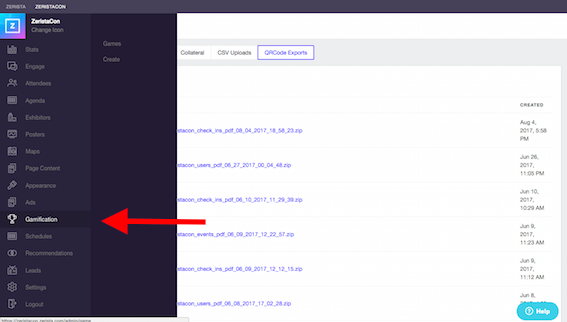
First, log in to the website as the Moderator and then click Gamification.
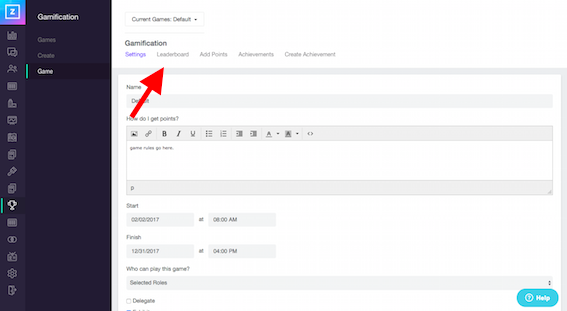
After opening your chosen game, click Leaderboard.
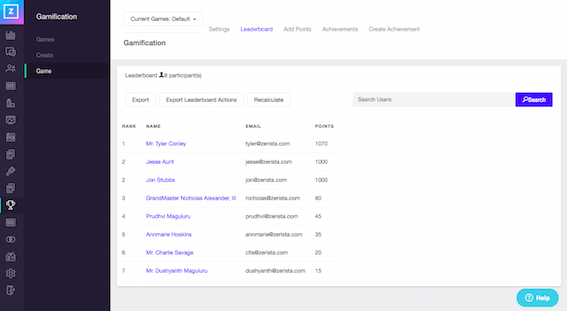
Under the Leaderboard menu it will display a list of all users who are participating in the game.
Search for the user by name or email and then click into the record. On the left-hand side, you will see how many points the user has. You can click the top box to remove points from all users, the other option is ticking each box next to the user's achievements individually, depending on how many points that you would like to remove for each user.
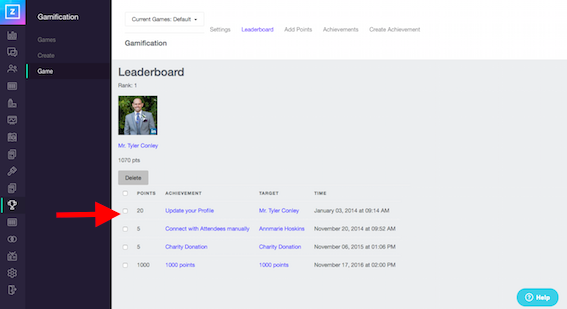
Click Delete to remove the user's points.
Please make sure you are happy with removing the user's points before proceeding.
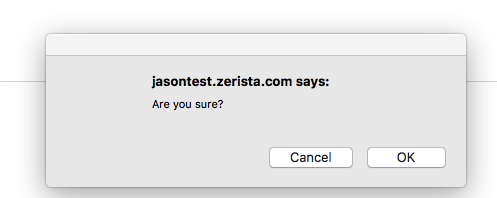
Click OK in the pop-up window to apply the changes you've made.
The page will reload and you should see that the points for this user have been removed.
If you make a mistake and need to add points back to the user, please review this article:- How Do I Add Points To A User
If you require any further assistance on this please contact your project manager for more information.