Do you want to provide your attendees with information on local entertainment, hotels, dining, etc?
Click here to see an example of how we integrate a Google Map!
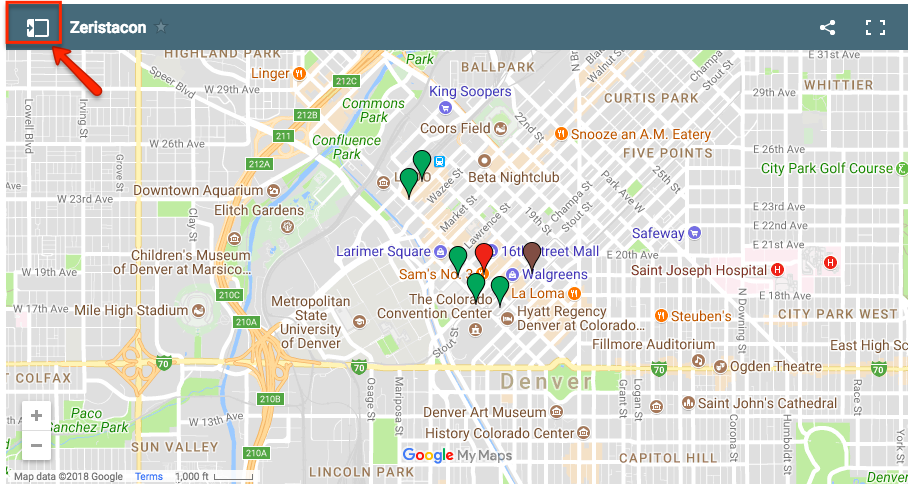
If you look in the upper left there is a Menu:
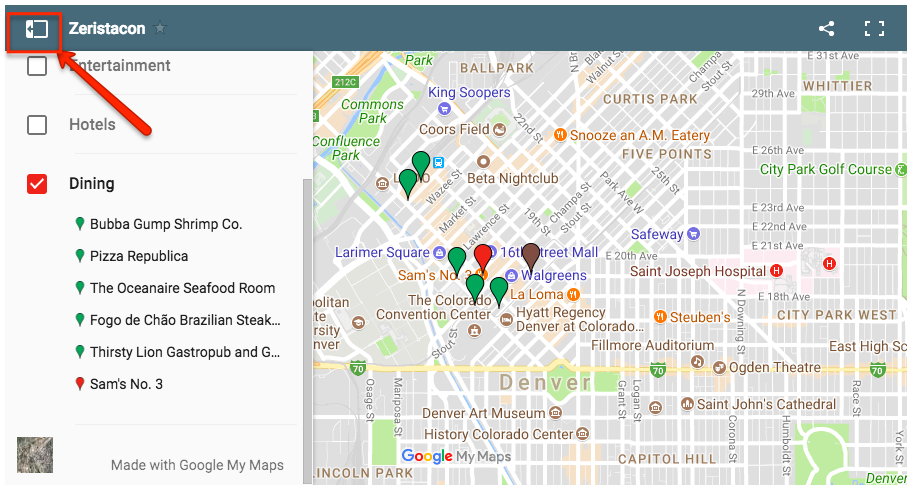
Once opened you can see you create different categories. Items can be sorted how ever you see fit. Categories can be anything you want them to be called:
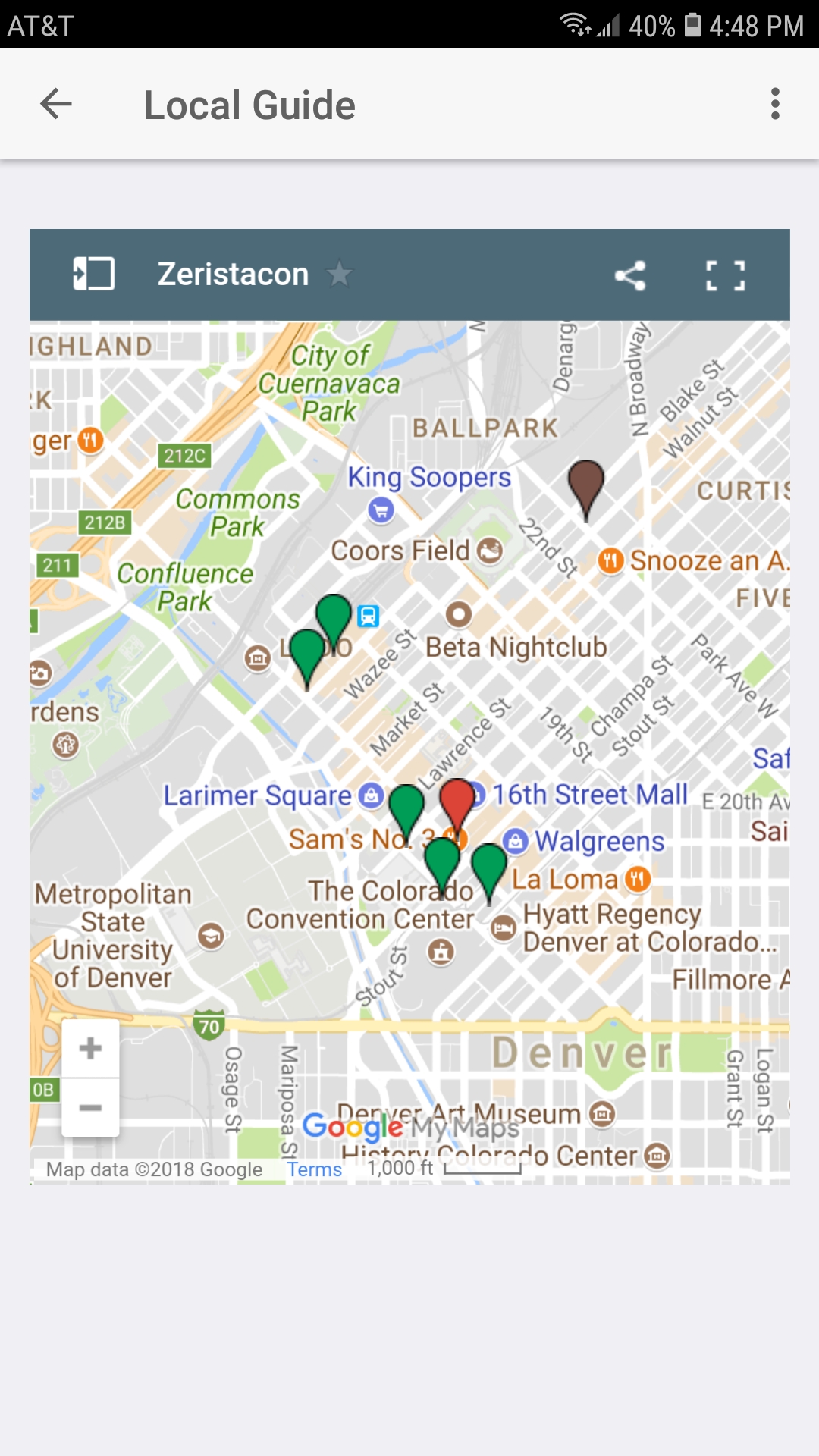
The map will also show in the app:
Google Map Setup
- Start by going to https://www.google.com/maps
- Login to your google account. If you don't have one create one.
- Click on the 3 stacked lines in the search bar

- Click on Your Places
- Click Maps
- Click Create (at the bottom)

- Click the top "Untitled Map", then give the map a title/description
- Click the "Untitled Layer", then give the category a name
- Start by searching for a location
- Click on the pin then click "Add to Map"
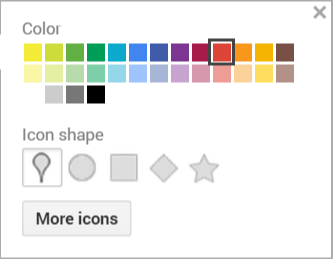
- Now you can customize the color and icon. Click the paint bucket next to the name of the location (**Note: you have to hover over the name for it to show)
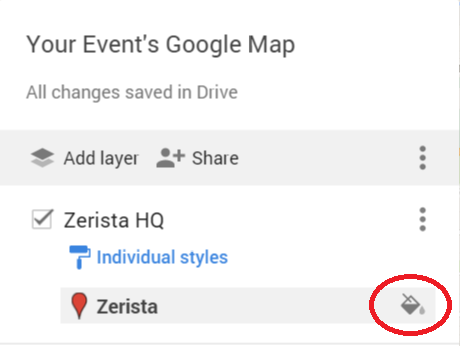
- Now you can select from a list of colors and icons. More Icons has a huge list to choose from
- You can also edit the contents of the location. Click on one of the pins, then the pencil icon
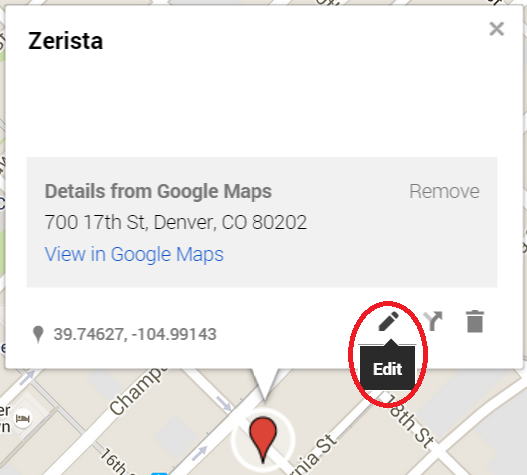
- From here you can add a description, remove the google details, or click the camera in the lower right to add a photo
- Repeat this process until you have all the items you want in that category
- If you want another category click the "Add Layer" button
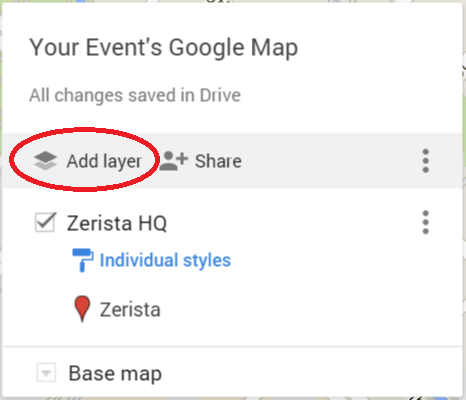
- Then repeat the process to rename the category, and add more locations.
- Once you have the map all set click "Share"
- Under "Who has Access" click "Change" and set the map to "On - Public..."
- Just to the right of Share click the 3 dots, then click on "Embed on my site"
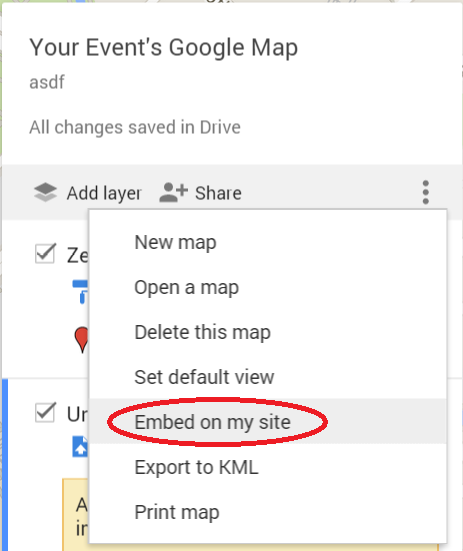
- This will give you an URL/web address
- Copy the URL and send it to your Zerista project manager. We will embed the map into your site and app!
NOTE: This map option has to be setup using a custom page and will not appear on the system maps page. Speak to your Zerista PM once you are ready to implement.