The Check In feature utilizes QR code scanning technology to make check ins easy for the attendee.
When check ins are active, the system creates a new QR code for each session that is only used for the check in system. You may notice that all sessions have a QR code that can be associated with the general session entry, however, this is not the same code as the check in session code.
To get a printable list of all the session check in QR codes:
- Click Engage
- Click Check Ins
- Click Export QR Codes (located along the top of this page)
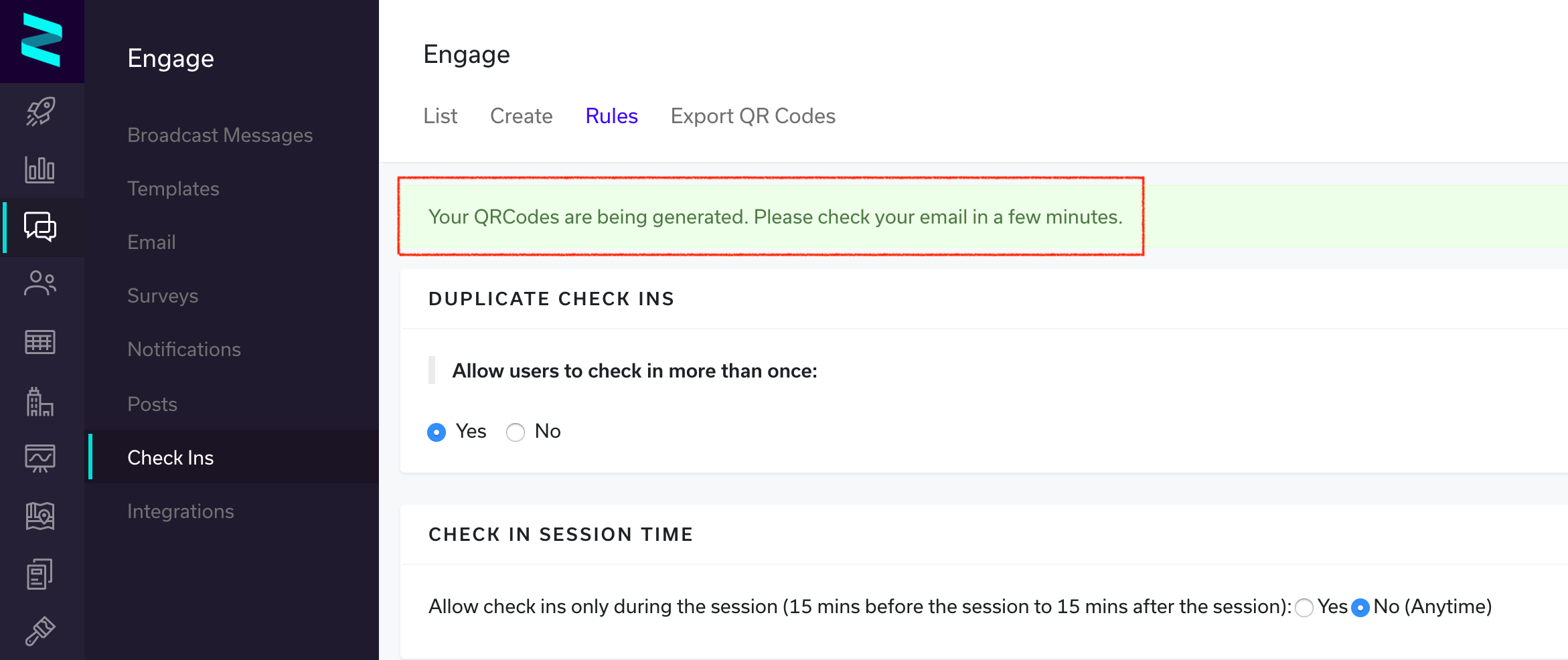
The system will now compile all of the session check in QR codes and email them to you in a .zip file, successful generation will be noted at the top of the screen in green.
NOTE: Please check with your Zerista Project Manager that the QR code scanner is active on your app.