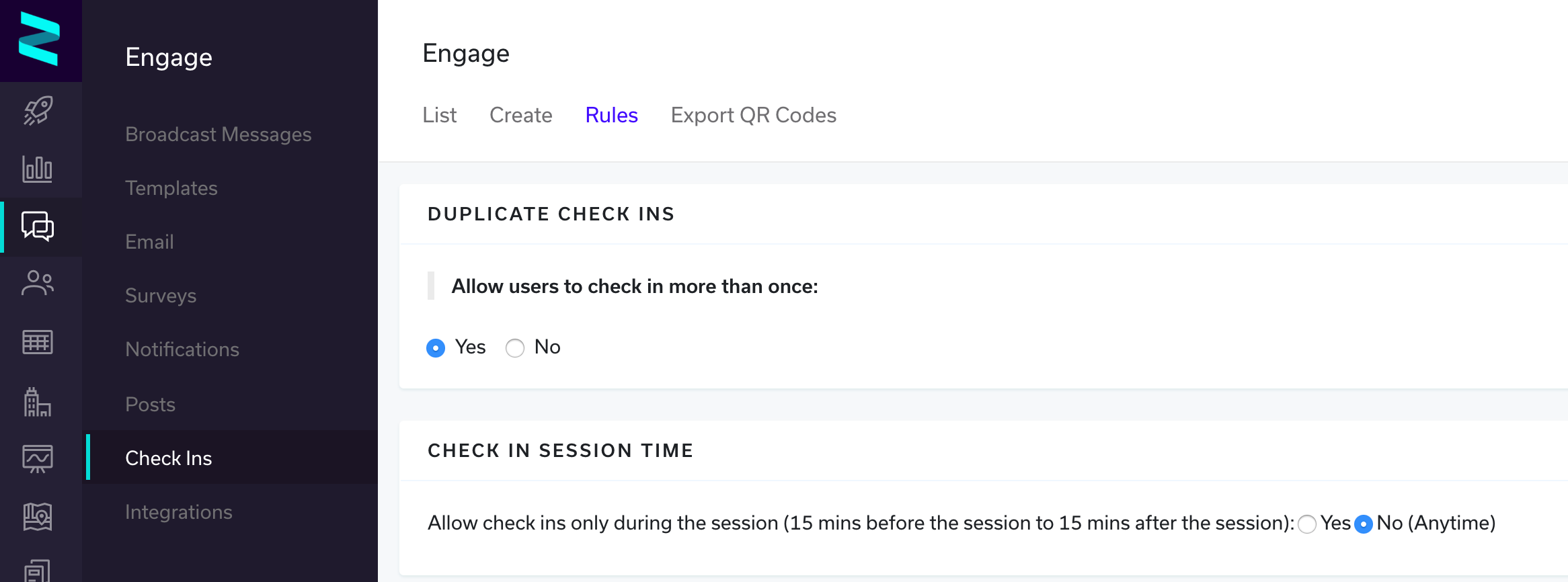
The Check In rules will allow you to control whether an attendee is allowed to check in more than one (1) time and/or if the attendee can check in anytime or within a specified period (e.g. the attendee can only check in during the session, 15 minutes before the session to 15 minutes after the session).
Duplicate Check Ins
By setting this to 'Yes', duplicate check ins are allowed, this allows event organizers the ability to track when an attendee enters a session and when they potentially leave. If an additional check in recorded, this can be done by the attendee scanning the same check in QR code as they leave the session or by the admin creating a second record for the attendee within the admin portal.
Check In Session Time
This allows the admin to restrict check ins to only be allowed within 15 minutes of the start/end time of the session(s), the common use case for this would be if you're trying to accurately log who has checked in to the session(s). You can also disable this feature and allow the check in button to be present on all sessions, anytime.
To set the rules:
- Click Engage
- Click Check Ins
- Click Rules